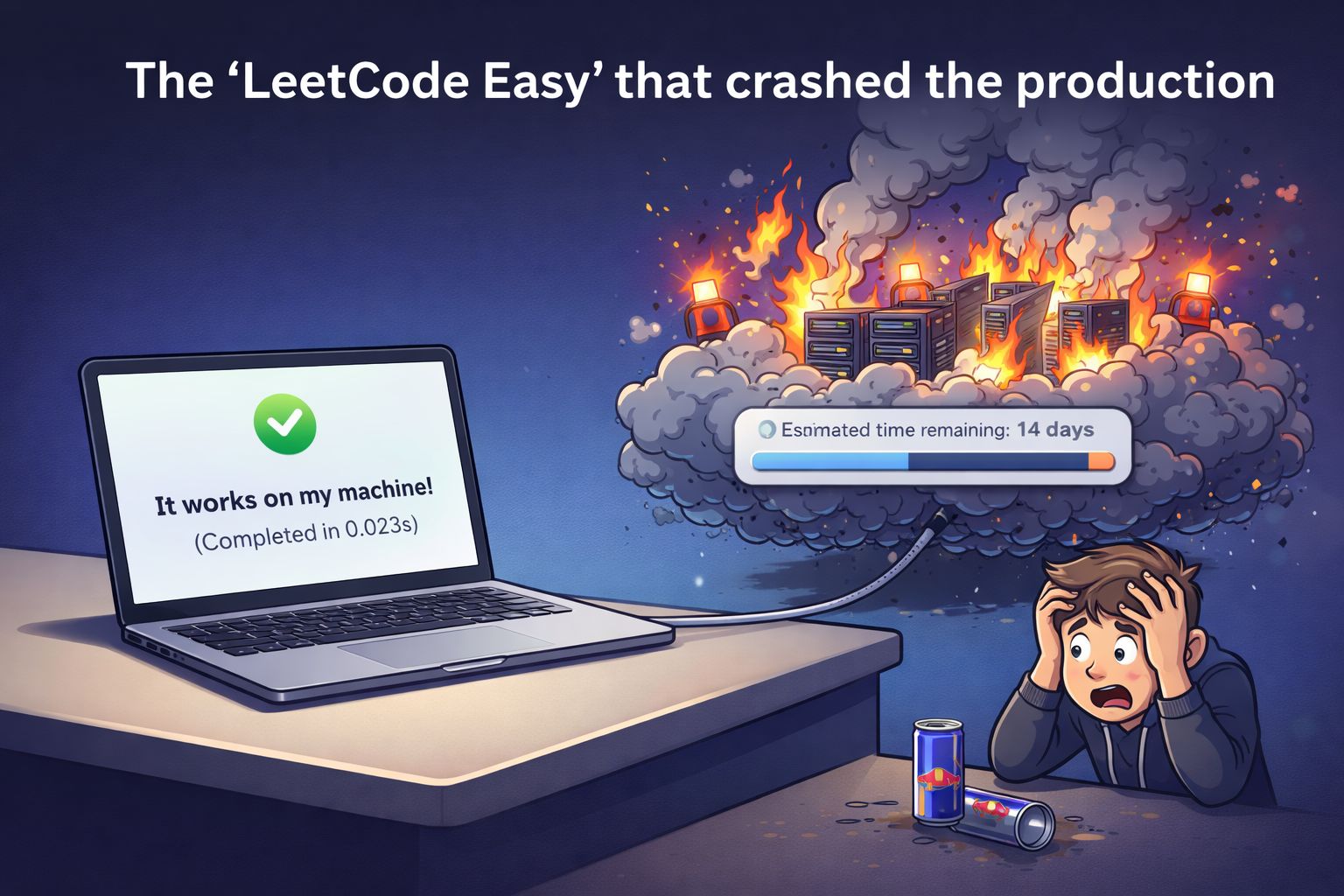
The LeetCode Easy that crashed the production
The LeetCode Easy which took five minutes to solve & six months to survive production.
Day 1: The Interview
Interviewer: "Here's a problem: Given two lists of user IDs, find the IDs that exist in the first list but not in the second. You have 10 minutes."
Me: typing confidently
pythondef find_differences(list_a, list_b):
    set_b = set(list_b)
    return [x for x in list_a if x not in set_b]
Me: Done in 5.
Interviewer: "Good. What's the time complexity?"
Me: "O(n + m). Set lookup is O(1)."
Interviewer: "Perfect. Next question—"
Two weeks later: Offer received & accepted. 💪
Week 1: My First Real Task
Manager: "Welcome! Your first task: We have two JSON files—one with legacy user data, one with current users. We need to find which users exist in legacy but not in current."
Me: internally celebrating "I literally just solved this."
Manager: "The files are in the data/ folder. Should be straightforward."
I didn't ask about data size. Why would I? I'd already solved this problem.
Local Testing: "It Just Works™"
I grabbed the sample files (120KB total). I copied my interview solution.
Test run: 0.023s.
Me: "Boom. Ship it."
Week 2: Dev Environment - "Uh, What?"
CI/CD Pipeline: ✅ Build successful Me: SSH into dev. Run script.
textLoading legacy_users.json...
[████████████░░░░░░░░] 67%
Killed: Out of memory (OOM)
What?
I checked the file sizes in Dev.
legacy_users.json: 12 GBcurrent_users.json: 8.5 GB
Oh. Dev wasn't using sample data. It was using real data. 12 GB won't fit in memory.
The Fix: Streaming
I Googled "python read large json" and switched to ijson (streaming parser). Instead of loading the whole file, I processed it line-by-line.
Test run (dev): 12m 34s.
Status: ✅ Deployed. My confidence: 📈
Month 2: Integration - "Are You Kidding Me?"
Tech Lead: "Let's test in Integration."
I kicked off the job. I went to lunch. I came back.
Job Status: RUNNING (2h 15m)
I checked the file sizes.
legacy_users.json: 487 GB
Me: "Why is every environment 40x bigger than the last?" Tech Lead: "Oh, Int has 6 months of data. Didn't I mention that?"
The Second Crash
After 8 hours, it crashed again. My streaming approach worked for reading the file, but I was still storing the results in a Python list.
The Fix: Sort both files and stream them simultaneously (Merge Join).
Test run (int): 45m 12s.
Status: ✅ Deployed.
Month 3: Production - "The Physics Problem"
Tech Lead: "Ready for prod? Legacy file is about 100 TB. Current is around 1 MB."
Me: "...TB? As in terabytes?"
I did the napkin math.
- 100 TB = 100,000 GB.
- My script reads at ~180 MB/s.
- Total time to read once: 6.4 days.
This wasn't a code problem anymore. This was a physics problem. No amount of clever algorithms can read 100 TB in 24 hours on one machine.
Discovery 1: Distributed Processing
The Realization: I can't process 100 TB on one machine. The Solution: Process it on 100 machines simultaneously.
I learned about Apache Spark. Instead of a for loop, I used a cluster.
python# Load data (automatically distributed across 100 machines)
legacy = spark.read.json("s3://data/prod/legacy_users.json")
current = spark.read.json("s3://data/prod/current_users.json")
missing = legacy.join(current, on='id', how='left_anti')
Test run: 2h 15m.
Status: 🎯 Better, but still too slow for a daily job.
Discovery 2: Broadcasting (The "Wait..." Moment)
The Bottleneck: Spark was doing a Shuffle Join. It was cutting the 100 TB file into chunks and sending them across the network to match the 1 MB file chunks.
The Insight: "Wait. The current users file is only 1 MB. Why are we shuffling 100 TB to match 1 MB?"
The Fix: Broadcast Join I sent a copy of the 1 MB file to every machine.
python# New way: Broadcast the tiny file
missing = legacy.join(broadcast(current), on='id', how='left_anti')
Test run: 18m 42s.
My brain: 🤯
Discovery 3: Bloom Filters (The Pre-Filter)
My job was fast, but I realized I was still comparing 100 trillion legacy users against 50,000 current users. 99.999% of comparisons were 'No Match'.
The Fix: Bloom Filters A Bloom Filter is a probabilistic data structure that answers: "Is this item definitely NOT in the set?"
I built a filter from the 1 MB file and used it to scan the 100 TB file. If the filter said "definitely not," I skipped the join entirely.
Test run: 4m 18s.
Discovery 4: Data Skew (The "WTF?" Moment)
Everything was great... until one day it wasn't.
textTask 99/100: COMPLETE
Task 100: RUNNING (3 hours)
Why was ONE task taking 3 hours?
I checked the data.
user_1001: 1,200 recordsguest: 78,000,000,000 records
Because Spark groups data by key, one machine was processing 78 billion "guest" records while 99 machines sat idle.
Visual Representation:
textMachine 1-99: [█] 1-3 minutes each
Machine 100:  [████████████████████████] 3 hours
This is Data Skew.
The Fix: Salting I added a random number (0-99) to the "guest" keys to artificially split them across the cluster.
Final Test Run: 3m 52s.
Status: ✅ Shipped.
The Journey: A Timeline
markdown| Environment | Data Size | Approach | Runtime | Status |
| --- | --- | --- | --- | --- |
| **Local** | 120 KB | Memory Load | 23ms | ✅ |
| **Dev** | 12 GB | Stream Large | 12 min | ✅ |
| **Int** | 487 GB | Stream Both | 45 min | ✅ |
| **Prod (v1)** | 100 TB | Distributed | 2h 15m | ⚠️ Slow |
| **Prod (v2)** | 100 TB | + Broadcast | 18 min | 🎯 Better |
| **Prod (v3)** | 100 TB | + Bloom Filter | 4 min | 🚀 Great |
| **Prod (v4)** | 100 TB | + Salting | **3m 52s** | ✅ **Shipped** |
Time from "Solved" to "Production-Ready": 6 months.
What I Actually Learned
- "It works on my machine" is a red flag. I tested with 120 KB. Production had 100 TB. That's a 833,000,000x difference.
- Always ask about data size. Questions I should have asked Day 1: "What's the growth rate?" "Is the data skewed?"
- The "right" solution changes with scale.
- < 1 GB: Load into memory
- 100 GB: Stream it
- 100 TB: Distributed + Broadcast + Bloom + Salting
- "Good enough" beats "perfect." The Bloom filter has a 1% error rate. But cutting I/O from 100 TB to 1 TB with 1% noise? That's engineering.
That LeetCode Easy wasn't easy. It was a 6-month crash course disguised as a work ticket.
And honestly? I'm glad I didn't know that upfront.
Because the best way to learn distributed systems is to accidentally need them at 2 AM on a Tuesday.
Have a similar "It worked on my machine" story? DM me or send this to a friend who needs a reality check on production scale.